- Go on your account.
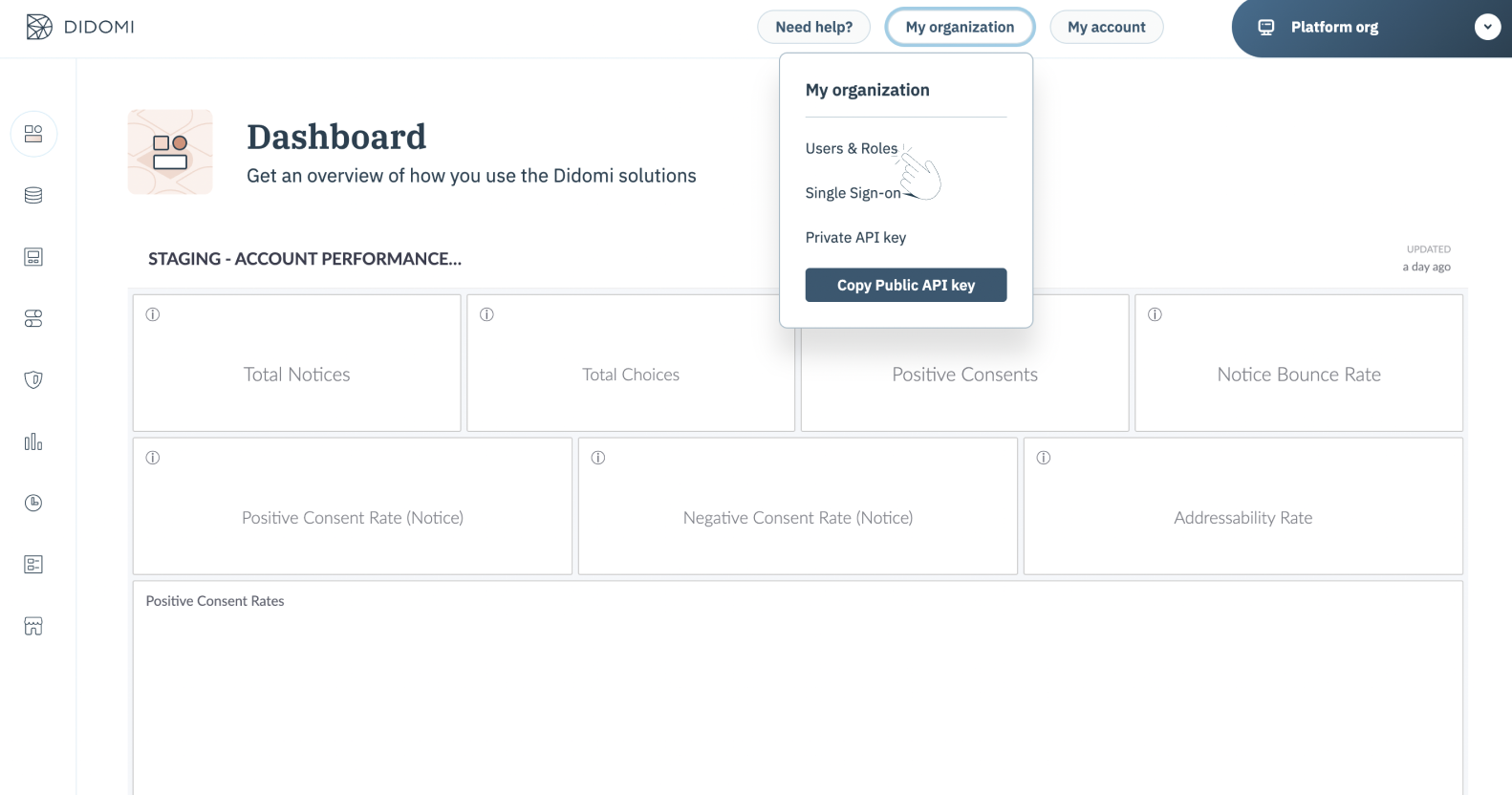
- Click on My organization.
- Click on Users & Roles, as shown:
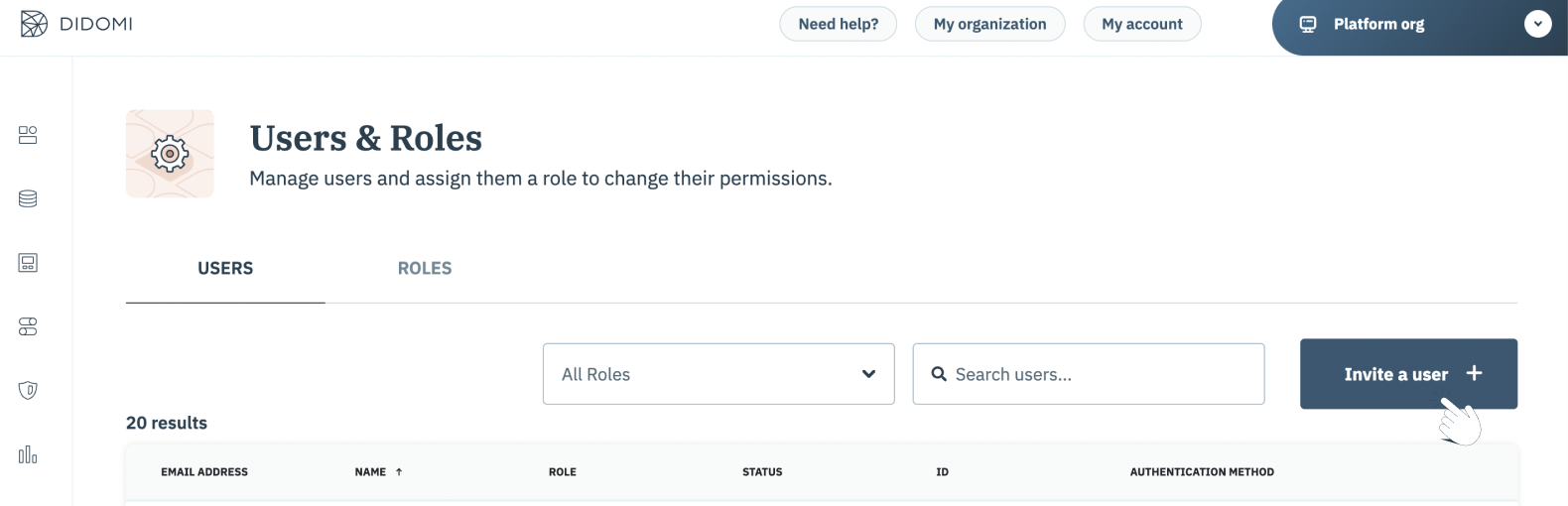
- Click on Invite a user +.
- Enter the desired email address and the name of the person you wish to invite. You can also select a role to assign this person. To learn more about Roles management check out this documentation.
Please remove the capital letters from the email address.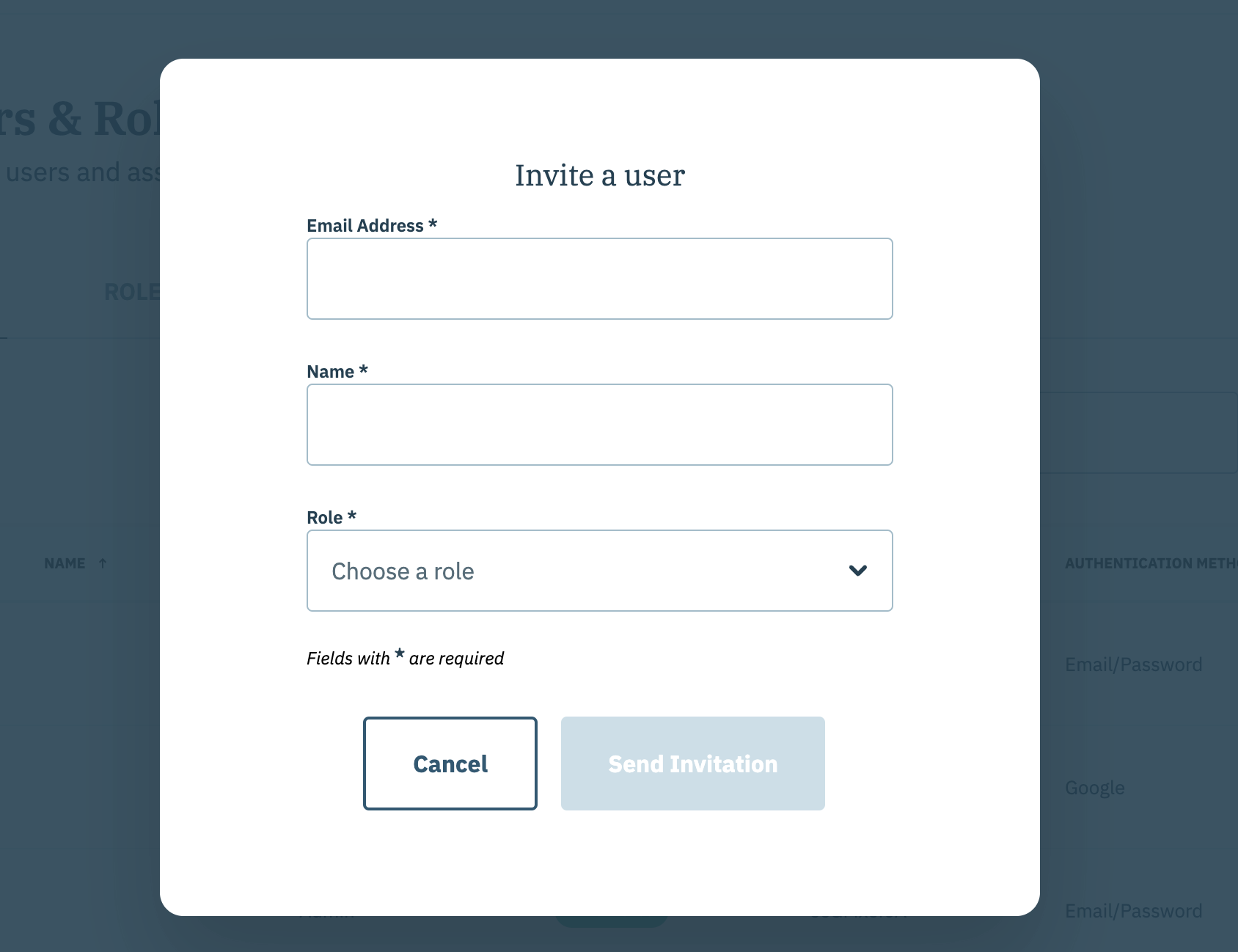
- The person will receive an automated email that will enable them to access your Didomi account.
English
![didomi-logo-dark.svg]](https://support.didomi.io/hubfs/website-2023/assets/logos/didomi-logo-dark.svg)