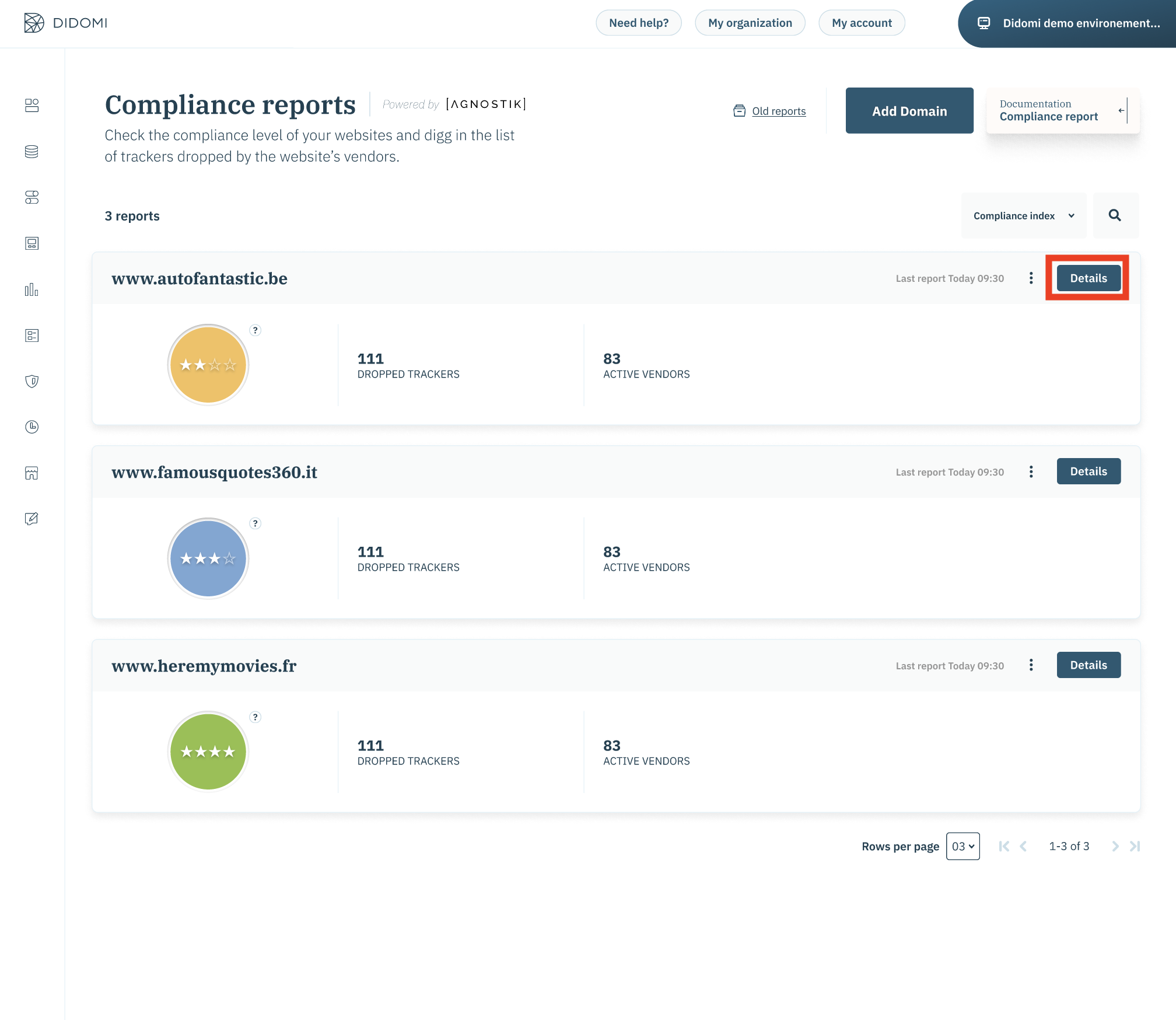
- Click on Details to know more about the cookies on your website.
- In order to know which cookies have a lifetime of more than 13 months, you have to check the table on the bottom of the trackers tab.
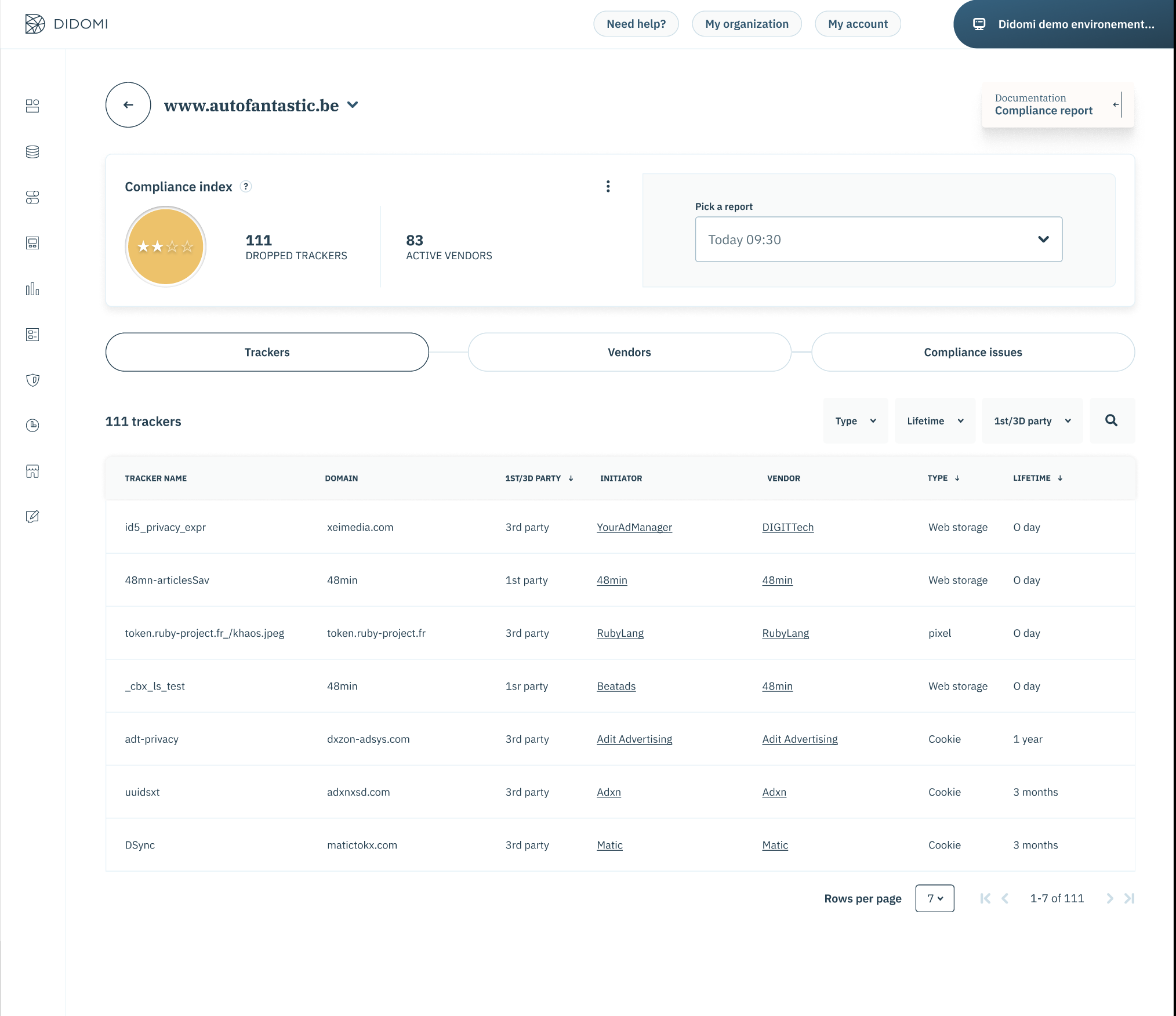
- You can use the filter to select cookies that have a lifetime longer than 13 months.
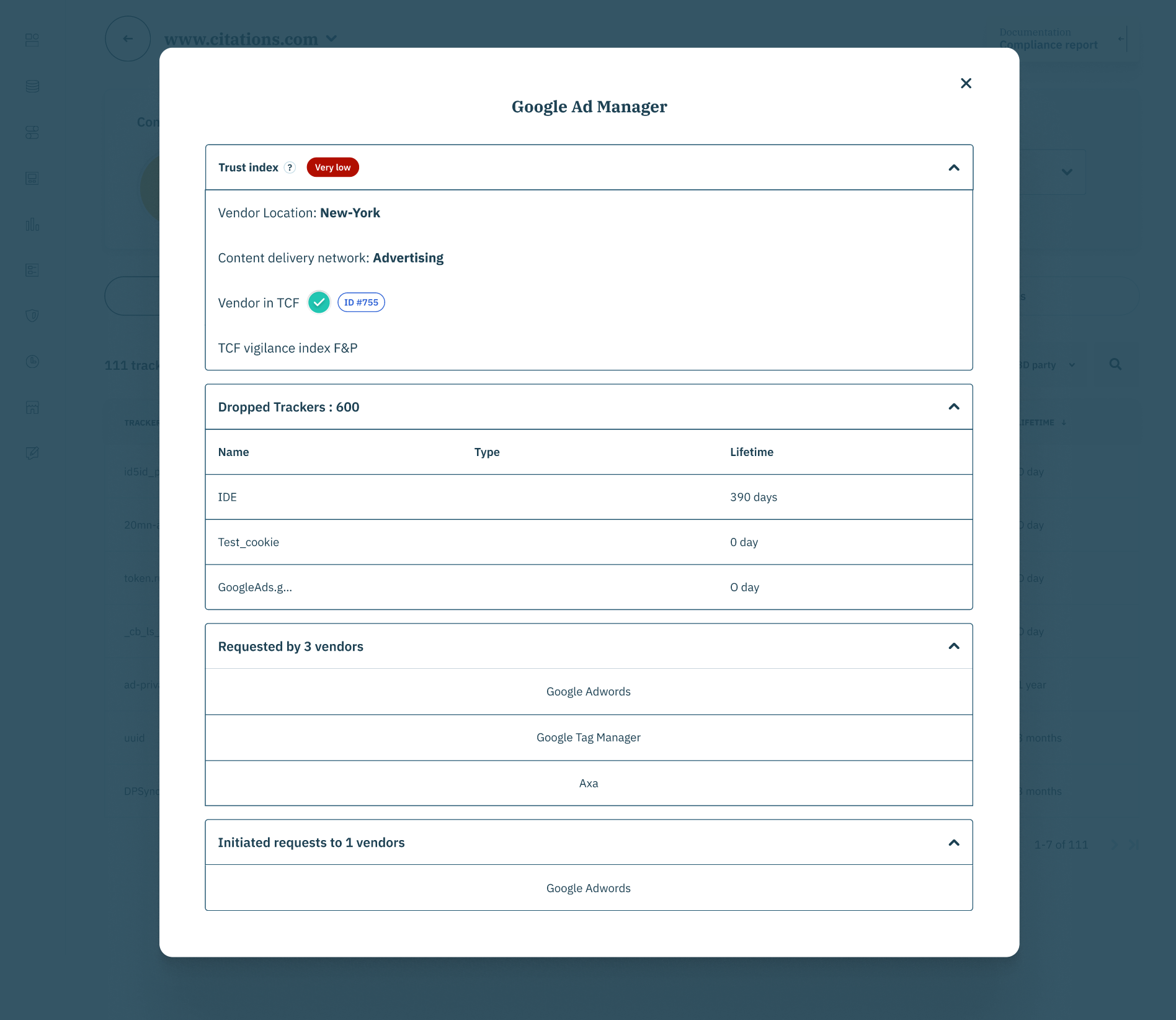
- If you want more details about the initiator of this tracker you can click on its name. This will open a pop up window containing more details about that vendor.
- If the cookie is dropped by a vendor, download the results of the report to know on which page the cookie was dropped.
- Once the report has been exported, filter by 3rd party in the column "Party" look at the Page URL column.
- To delete the cookies that have a lifetime of more than 13 months, you can either ask your vendor to reduce the lifetime of the cookie, or ask him how to delete it completely.
- To configure the lifetime of a Google cookie, here is 📰 the documentation.
English
![didomi-logo-dark.svg]](https://support.didomi.io/hubfs/website-2023/assets/logos/didomi-logo-dark.svg)